
Dev Keyboard
A keyboard built for code, commands, and symbols.
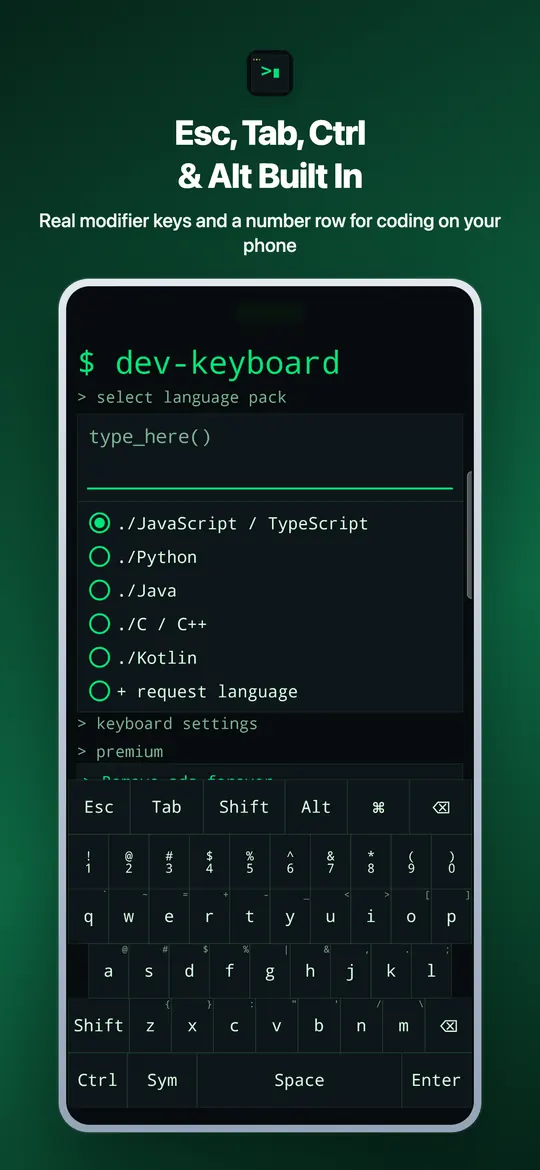
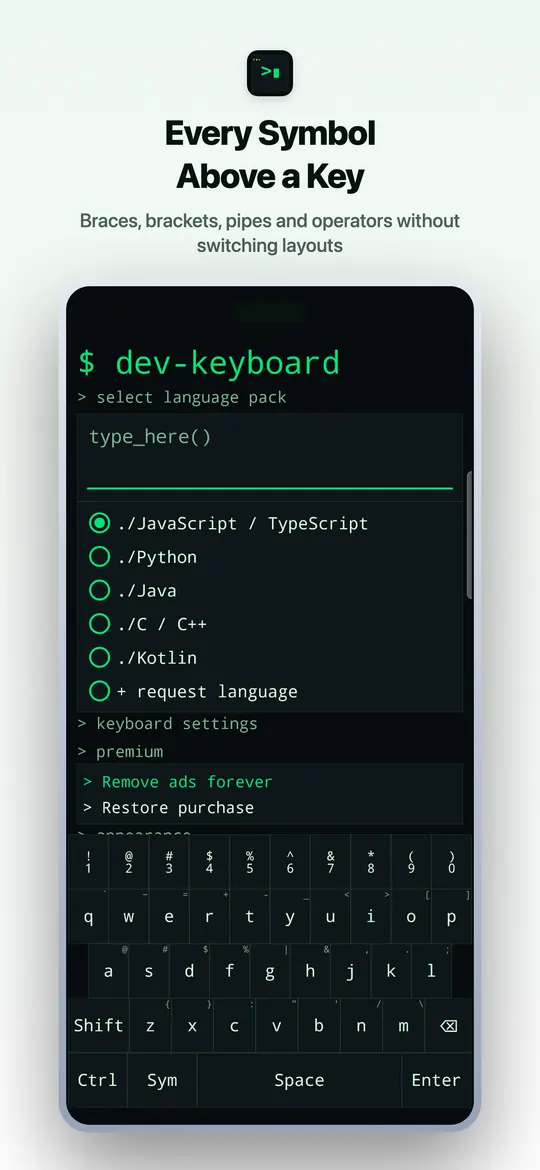
Dev Keyboard gives Android and iOS users fast access to brackets, arrows, symbols, key feedback, haptics, themes, and settings designed for developer typing.
Screenshots
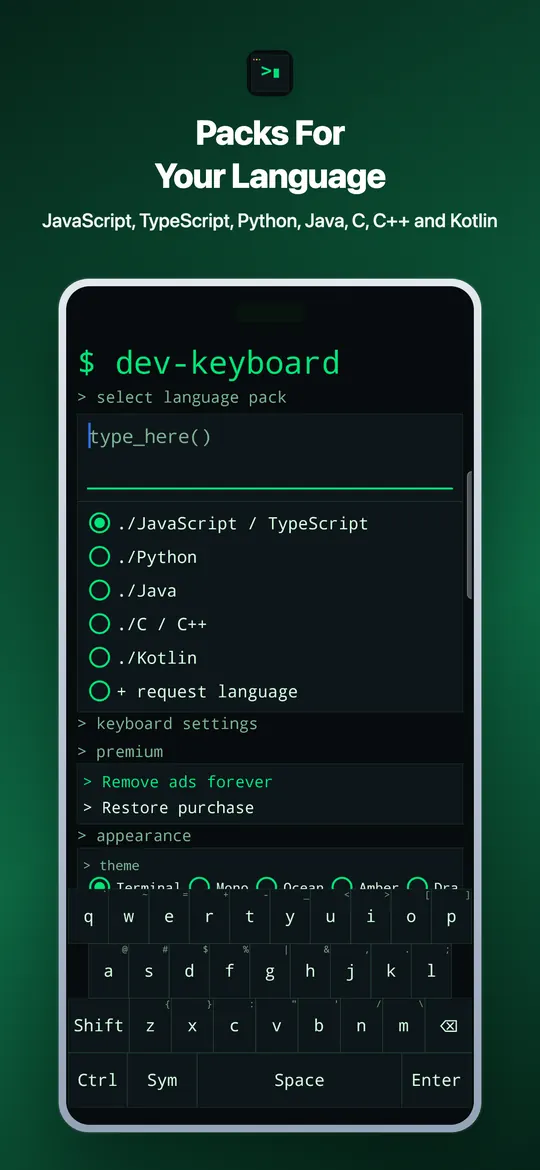
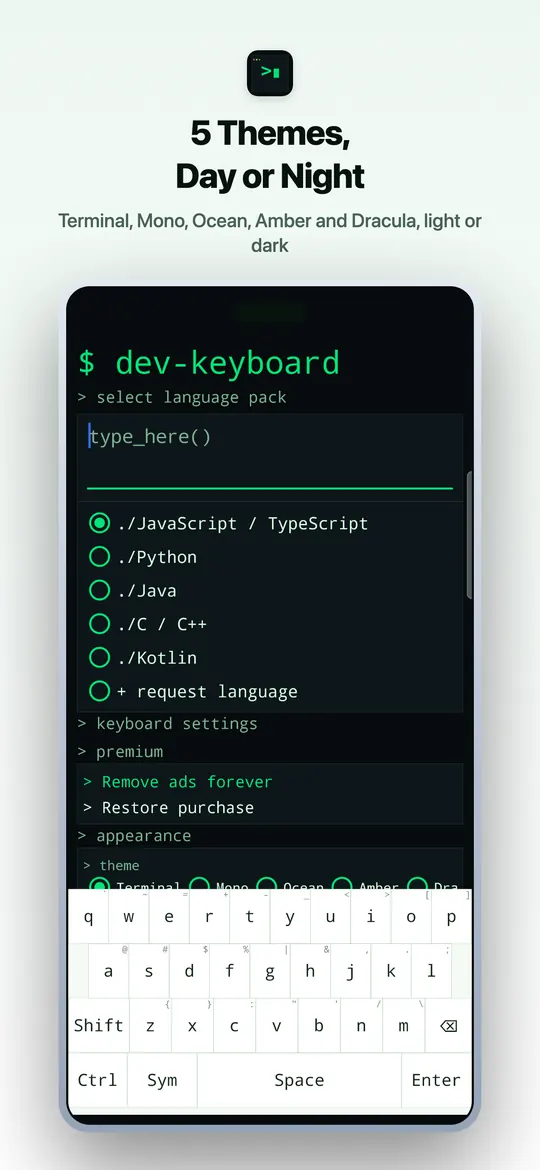
What Dev Keyboard does
- developer key rows for brackets, arrows, and symbols
- Android IME and iOS keyboard extension identifiers
- themes, haptics, key preview, and sound settings
- offline-safe local preferences and runtime config fallback
- feedback, privacy, terms, and support links
- Premium removes ads only
Common questions
Is Dev Keyboard free?
Yes. Keyboard layouts, settings, themes and developer keys are all free. No keyboard feature is gated behind Premium. Premium removes ads and nothing else.
Where do ads appear?
Free users may see ads inside the Dev Keyboard app screens, such as settings. Ads never appear on the keyboard while you type.
What does Premium cost?
Premium is a one-time purchase called Remove ads forever, bought through Google Play or the App Store. The store shows the price before you pay, and there is nothing to renew or cancel.
How do I get Premium back on a new phone?
Sign in to the same Google or Apple account, open Dev Keyboard and tap Restore purchase.
How do I turn on Dev Keyboard?
On Android, open the app and tap Enable keyboard, switch Dev Keyboard on, then tap Switch keyboard to pick it. On iPhone, go to Settings > General > Keyboard > Keyboards > Add New Keyboard and choose Dev Keyboard.
Does Dev Keyboard send what I type?
No. What you type is never sent to Trei or anyone else. The app sends only usage events, crash reports and purchase status, as listed in the privacy policy.
What are the app identifiers?
Android uses dev.trei.devkeyboard. The iOS keyboard extension uses dev.trei.devkeyboard.keyboard.
How do I send feedback?
Use trei.dev/feedback with the Dev Keyboard app context.