
Desk Clock
A big flip clock for your desk.
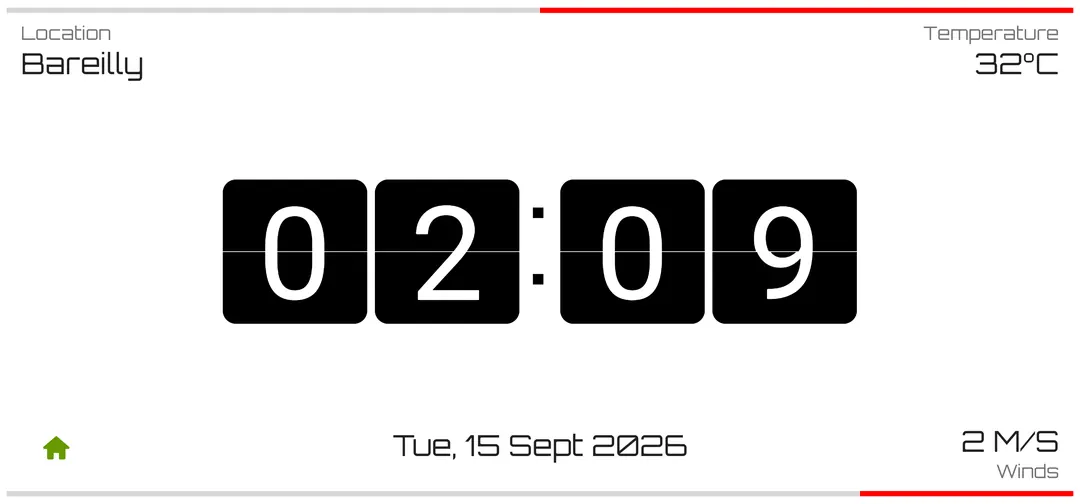
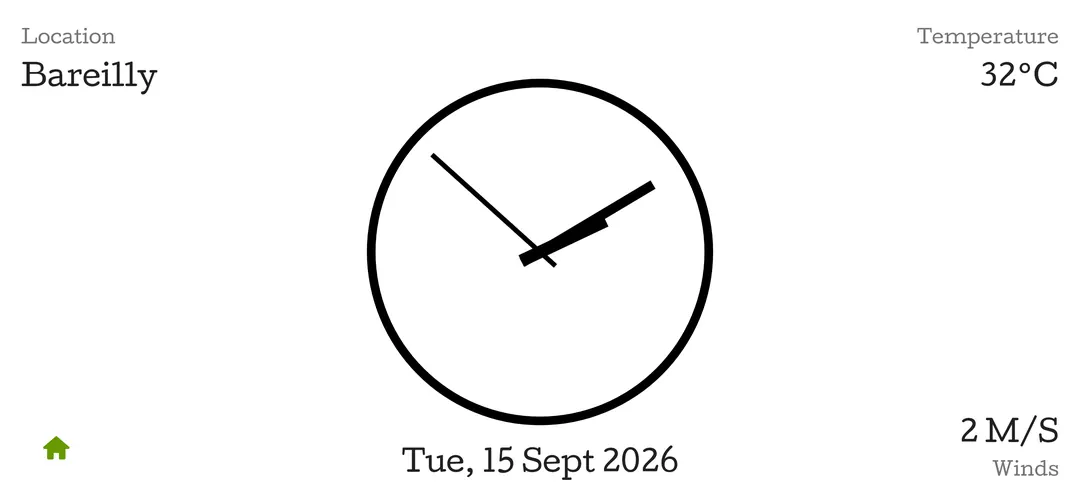
Desk Clock turns any spare Android phone into a big desk or table clock - flip, digital and analog faces you can read from across the room, weather beside the time, a full-screen timer, and a dark theme for the evening.
Screenshots
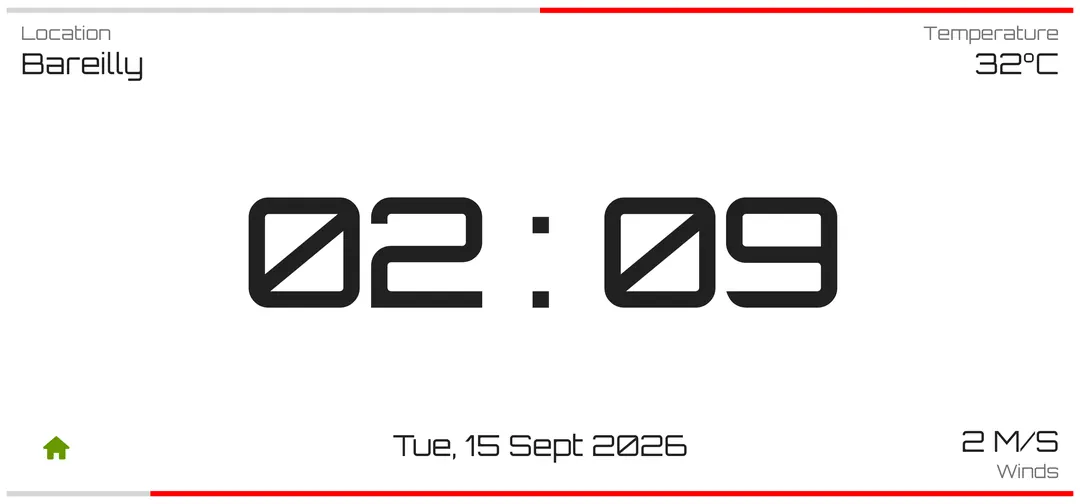
What Desk Clock does
- Big flip, digital and analog clock faces
- Weather, temperature and wind beside the time
- Light and dark themes
- Full-screen timer and countdown
- Great for repurposing an old phone as a clock
- Premium removes ads only
Common questions
Is Desk Clock free?
Yes. Desk Clock is free with ads. Every clock face, the timer, weather details and display settings stay free. Premium removes ads and nothing else.
What does Premium cost and how do I cancel?
Premium is a monthly subscription through Google Play that removes ads. Google Play shows the price before you pay, and you can cancel any time from your Google Play subscriptions.
How do I restore Premium on a new phone?
Sign in to the same Google account on the new phone, open Settings in Desk Clock and tap Restore.
Why does Desk Clock ask for my location?
Only to show local weather beside the time. It asks for approximate location, and if you say no the clock still works without weather.
Does it keep the screen on?
Yes - it is designed to stay on as a bedside or desk display while charging.
Does it have a dark mode?
Yes. Desk Clock has light and dark themes, and can follow your phone's setting.